idr hoki Casino & Sportsbook Mobile App
Our mobile app for idr hoki brings live-dealer tables, sportsbook markets, and slot games to your device. Whether you access idr hoki through Android, iOS, or a web browser, the platform maintains the same account, balance, and withdrawal flow across all paths. This guide outlines how to install and use our app, what to expect from each platform, and how to resolve common setup issues.

- SHA256 Match
- and
- Update
Mobile access matters because live-dealer play — blackjack, roulette, baccarat, Dragon Tiger — demands responsive performance and low latency. Our idr hoki app is built to handle real-time dealer feeds, multi-camera studio streams, and quick bet placement. The browser version works equally well for casual sportsbook browsing or Liga 1 market review, but the native app offers offline caching, push notifications for live events, and faster table entry. Both paths lead to the same account.
We at idr hoki support three installation routes: Android APK direct download, iOS via browser, and web progressive app. Each suits different user habits — some prefer native speed, others value the simplicity of a browser shortcut. All three connect to identical back-end systems, so your account balance, deposit history, and withdrawal requests stay synchronized regardless of which platform you choose. Our service is available only where local law permits.
Installing idr hoki on your device



Android APK installation
For Android devices, we offer a direct APK download from our website. Go to the registration pagefind the Android link, and tap "Download APK". Your phone may warn you that the file comes from an unknown source — this is normal, and you can allow installation in your device settings. Once installed, open the app, log in with your idr hoki account credentials, and you're ready to access live tables and sportsbook markets. The app works on Android 7 and later.
iOS and browser-based setup
iOS users access idr hoki through Safari or any mobile browser. Visit our site, tap the share icon, select "Add to Home Screen", and choose a name — your phone will create a shortcut that opens the app in full-screen mode each time. This method avoids App Store restrictions and gives you the same experience as a native app. Desktop and tablet users can simply bookmark the page or open it fresh each session. Browser-based access requires no installation step and works immediately on any device with a modern browser.
Account syncs across all platforms
Your idr hoki balance, deposit history, and withdrawal requests are linked to your account, not your device. Switch between Android, iOS, and web without losing any data or needing to re-authenticate.
Four-step setup process
- Download: Retrieve the APK file (Android) or open Safari (iOS/web) and bookmark the idr hoki homepage.
- Install: For Android, allow installation from unknown sources and complete the APK setup; for iOS, add a home screen shortcut; for web, simply visit the site.
- Register: Create a new account with username, email, password, and mobile number, then verify your email and complete basic identity checks.
- Start playing: Log in, fund your account via DANA, e-wallet, mobile banking, or local payment, and navigate to live tables, sportsbook markets, or slot games.
App vs. browser — when to use each
The native Android app offers faster table loading, offline bet history caching, and push notifications for incoming Liga 1 or Piala Indonesia match updates. If you play live tables regularly and want the smoothest experience, the app is your choice. The browser version excels for casual sportsbook browsing, slot play, and occasions when you only want to check odds or review your account without installing software. Both deliver identical account access and security; pick based on your usage pattern. Many users keep both — the app on their main phone and the browser shortcut on a tablet for convenience.
Device compatibility
Our idr hoki app runs on Android 7 (API level 24) and later, covering the vast majority of devices in circulation. For iOS, any device running version 12 or later supports our web app experience without additional downloads. Desktop browsers (Chrome, Safari, Edge, Firefox) on Windows, Mac, and Linux all work equally well. Older devices may experience slower live-dealer feeds or table entry delays, but basic account access and sportsbook browsing remain functional. If your device is more than five years old, consider testing on a newer handset or using a different browser.
Troubleshooting installation errors
If your Android phone blocks the APK download, check that your device settings permit installations from unknown sources — navigate to Settings > Security > Unknown Sources and enable the toggle. If you see a certificate warning in your browser, this is a common SSL check; your connection to idr hoki is still secure, and you can proceed. For iOS users who cannot add a home screen shortcut, ensure you are using Safari (not Chrome or Firefox) and that your device has enough free storage. If the app crashes on launch, try clearing your browser cache or reinstalling the APK. Contact our support team via live chat if issues persist after these steps.
Permissions and account security
Our idr hoki app requests standard mobile permissions: internet access (required for live dealer and sportsbook feeds), location data (optional, used only for compliance checks), camera access (not used by default), and notification permissions (to alert you of live events and account updates). We do not share your location with third parties, sell your contact data, or track your browsing outside our platform. All account data is encrypted in transit using industry-standard protocols. When you log in, your credentials are verified against our secure server each time — we never store passwords on your device. If you suspect unauthorized access, change your password immediately and contact our support team. Your account is protected by standard security practices, including two-factor verification for withdrawals.
Encrypted transactions
All deposits and withdrawals use secure payment channels
Account verification
Identity checks protect your account from fraud
Live notifications
Get alerts for live events and account activity
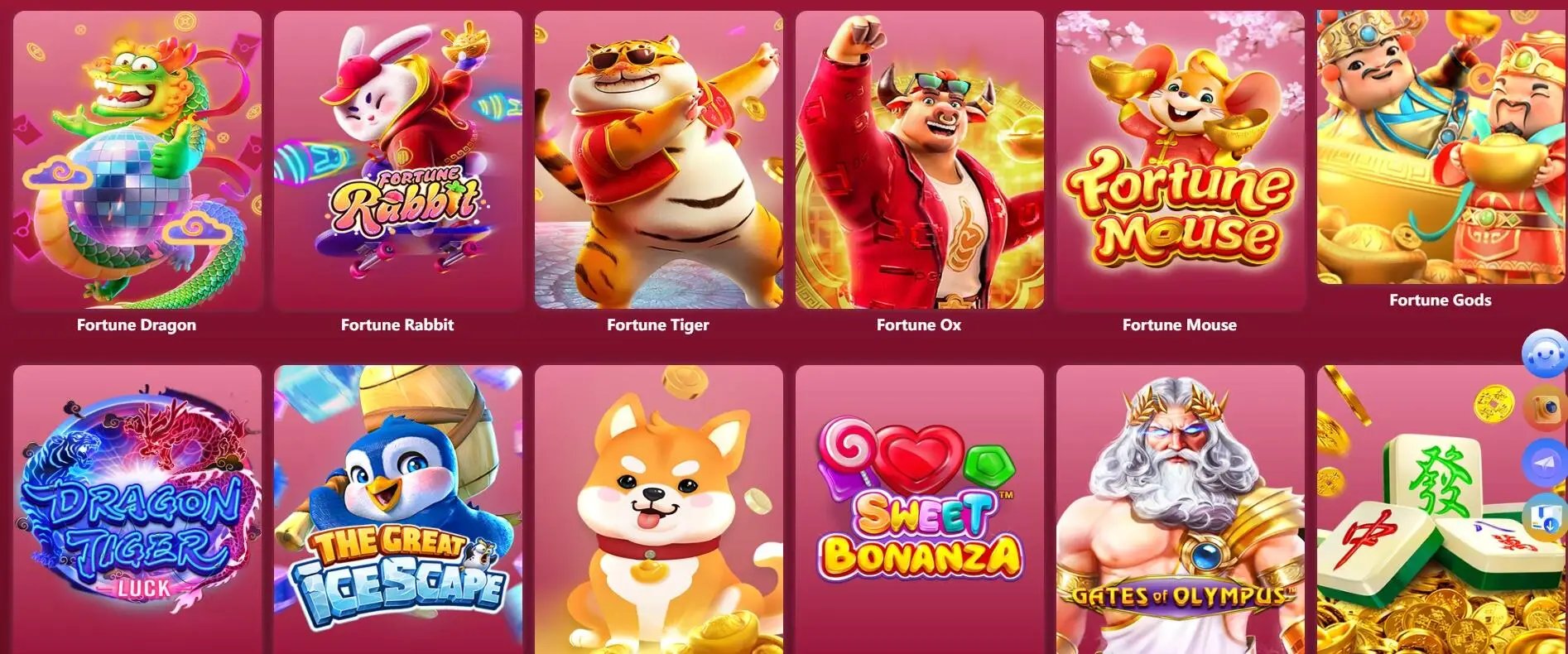
Once you've installed idr hoki and logged in, you have access to our full range of offerings: live blackjack, roulette, baccarat, and Dragon Tiger tables with real dealers; sportsbook coverage of Liga 1, Piala AFF, Champions League, and MotoGP; and slot games including Aviator, Sweet Bonanza, and Gates of Olympus. Esports markets for Mobile Legends and Free Fire are also available. Your account balance updates instantly across Android, iOS, and web. Deposits process via online payment, e-wallet, mobile banking, or local payment within standard verification windows. Withdrawals follow the same account-linked pathway regardless of platform. We at idr hoki keep our service available only where local law permits — verify that your jurisdiction allows access before using the platform.